Fast to open
You do not need a long setup before starting a session, which makes consistency easier on busy days.
Stuon is for students who want a cleaner routine, not another overwhelming system. Use it to start focused sessions faster, keep your momentum visible, and make studying feel more intentional every day.
Most study tools try to do everything. Stuon works better by staying focused on the part that matters most: helping you actually sit down and study.
You do not need a long setup before starting a session, which makes consistency easier on busy days.
The product gives study time just enough shape without making the routine feel heavy.
The calmer interface makes it easier to come back tomorrow without resistance.
Choose one subject, assignment, chapter, or review goal for the session.
Use a focused block to begin before overthinking the whole day.
Capture what you finished or what blocked you so the next session starts faster.
Repeat tomorrow and let the visible progress do part of the motivational work.
Most weeks are a mix of assignments, reading and the occasional test. Stuon keeps the same few tools for all of it, so the routine does not change every time the workload does.
Start the free timer when you sit down and add a short note when you finish. A week later the log is a plain record of what you worked on, which makes planning the next week easier.
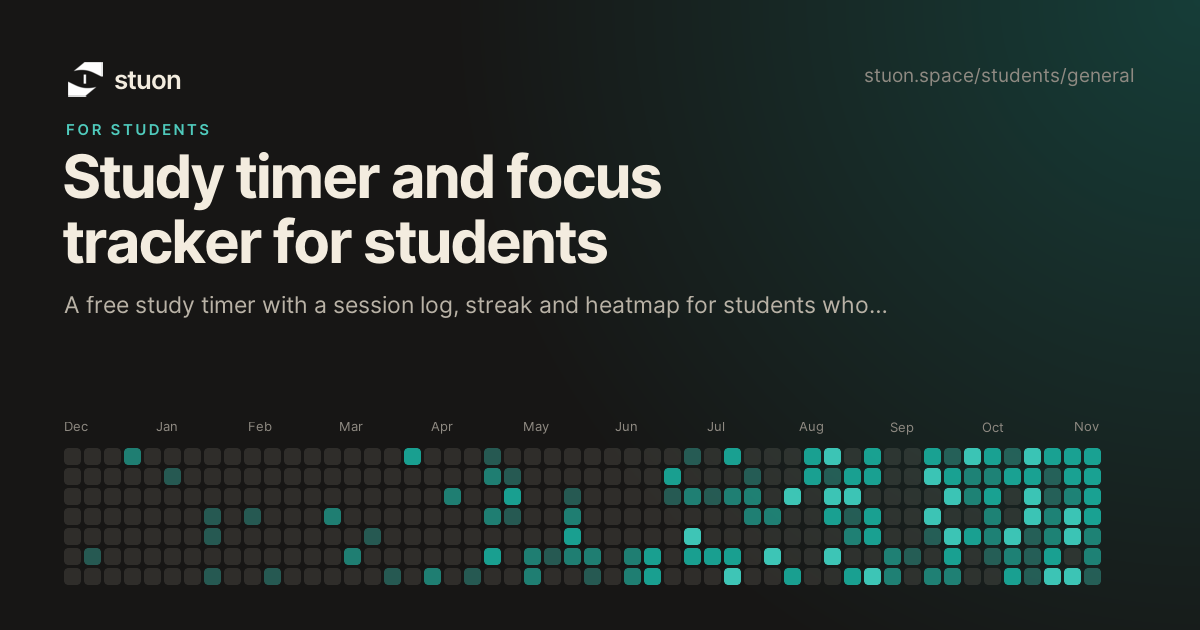
The heatmap fills in from logged sessions, so quiet weeks and busy ones are visible at a glance. The streak helps on days when starting is the hardest part.
When a test comes up, switch from rereading to recall: blurt a topic for ten minutes, then add it to the spaced repetition scheduler for reviews after 1, 3, 7, 14, 30 and 90 days.
No. It works just as well for assignments, revision, and keeping a steady routine during the semester.
Yes. The free timer, blurting tool and spaced repetition scheduler work without an account, and your study log stays in your browser.
It is built around study sessions rather than tasks and projects, and it stays lighter and calmer, which makes it easier to live with during real study weeks.
Pro adds cloud backup and sync, focus analytics, Pomodoro and other focus modes, flashcards, study groups and a global leaderboard. It costs $7 per month or $49 once.
Yes. Stuon runs in mobile browsers, and the free version can be installed as a web app.
Simple enough to start. Strong enough to keep.