comparison
Stuon vs TickTick
how do they differ?
TickTick is a task manager with a built-in Pomodoro and stopwatch focus timer, and focus statistics that include a yearly grid. Stuon is a web app focused on study sessions, with streaks, a heatmap and game modes in Pro. Pick TickTick if your tasks and focus time belong in one app, and Stuon for a study-only record.
by Vusal Imranli updated 14 Nov 20264 min read
Side-by-side comparison
| Criteria | Stuon | TickTick |
|---|---|---|
| Timer | Yes. Free timer and countdown. Pro adds Pomodoro and other focus modes. | Yes. Pomodoro and stopwatch focus timer. |
| Study tracking | Yes. Session log with notes. Free keeps it in the browser; Pro adds cloud backup and sync. | Yes. Focus time by task, list and tag. |
| Streaks | Yes. Basic streak view in the free version. | Not documented. |
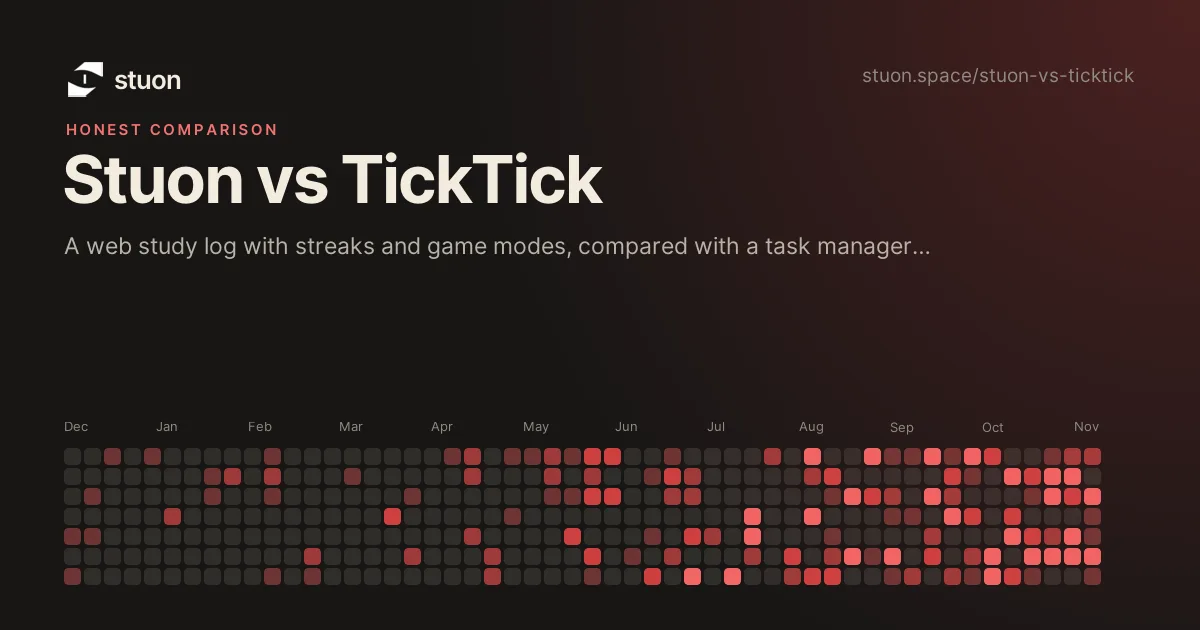
| Heatmap | Yes. The heatmap fills in from logged sessions. | Yes. Focus Statistics includes a yearly grid where colour depth shows daily focus time. |
| Gamification | Yes. Game modes such as Car Mode and World Study Wars (Pro). | No game layer documented. |
| Analytics | Yes, in Pro: focus time, history and consistency. | Focus trend charts, timeline and most-focused times. |
| Social and leaderboard | Global leaderboard and study groups (Pro). | Not documented. |
| App blocking | Websites, yes, with the Stuon Chrome extension: focus, always-on and strict modes. It does not block phone or desktop apps. | Not documented. |
| Web | Yes. Runs in the browser, plus a Chrome extension with a timer and site blocker. | Yes. |
| Mobile | Works in mobile browsers. The free version can be installed as a web app. | Yes. Focus sessions sync across devices. |
| Pricing model | Free version with no account. Pro is $7 per month or $49 once. | Free plan and a paid Premium plan. Check ticktick.com for current prices. |
Facts about TickTick were checked against its public website and app store listing on 7 October 2026. Features and prices change, so confirm on the official page before you decide.
What TickTick does well
- It combines a task list with a Pomodoro and stopwatch timer, so focus time attaches to tasks.
- Its focus statistics show time by task, list and tag, with trend charts and a yearly grid.
- It has web and mobile apps, and focus sessions sync across devices.
What Stuon does well
- It is only about studying: a session log with notes, a streak and a study heatmap.
- The free version needs no account.
- It adds game modes and a leaderboard in Pro for students who want a game layer.
The main difference
TickTick is a general task manager that also tracks focus. Stuon is a study tracker that does not manage a task list. Some students plan in a task app and log study sessions in a tracker, which keeps planning and the study record separate. See study tracker for what a study log should record.
Which one should you choose?
Choose TickTick if
- You want tasks, lists and a focus timer in one app.
- You want focus time by task, list and tag.
- You want sessions to sync across phone and computer.
Choose Stuon if
- You want a study-only log with streaks and a yearly heatmap.
- You want a free tool with no account.
- You want game modes tied to study time.
Frequently asked questions
Does TickTick have a heatmap?
Its Focus Statistics include a yearly grid where colour depth shows daily focus time. Stuon's heatmap fills in from logged study sessions.
Does TickTick have streaks for focus sessions?
We could not confirm streaks for focus sessions in TickTick's documentation, and we did not review its other features for them.
Is TickTick free?
It has a free plan and a paid Premium plan. Check ticktick.com for current prices.
What are the best study timer apps?
Sources
Related pages
Try Stuon and judge for yourself
Stuon is free to start and needs no credit card. Compare it with your current app for a week.
Start tracking for freeAdd to Chrome, freeor use the free version without an account