Flashcards
Review with active recall and keep your practice inside the same study workspace.
Settings
Keep a focus timer and site blocker in your Chrome toolbar.Add to Chrome, free
study tool
what is a pomodoro timer?
A Pomodoro timer alternates focused work blocks with short breaks. The classic setting is 25 minutes of work and 5 minutes of rest, with a longer break after four rounds. This timer also has a 50/10 preset and lets you set your own lengths.
by Vusal Imranli updated 14 Nov 20263 min read
The method is described in full on the Pomodoro technique page.
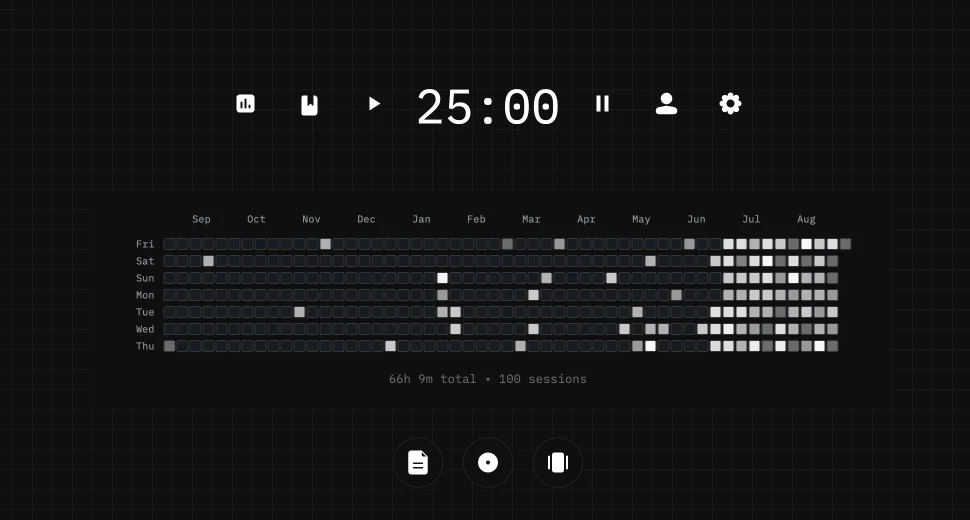
Stuon Pro includes a Pomodoro mode with adjustable work, short-break and long-break lengths. Each focus block is logged, so it counts toward your study streak and your study heatmap.
In the classic method a Pomodoro is 25 minutes of focused work followed by a 5-minute break. A longer break of 15 to 30 minutes follows every four Pomodoros.
Yes. Use the 25/5 or 50/10 preset, or type your own focus, short break, long break and rounds before a long break.
Only if you turn on "start the next phase automatically". By default it waits for you.
It follows the same work-then-rest pattern with longer blocks. The original technique uses 25-minute blocks, so 50/10 is a variation.
No. Sessions on this page are not stored. Stuon logs your sessions so you can see them over time.
This page does not store anything. In Stuon every session is logged and added to your streak and heatmap.
Save your study sessionsAdd to Chrome, freeor use the free version without an account
Stuon Pro
Finish the timer here, then bring the session into Stuon. Pro adds active study modes, cloud sync, analytics, goals, projects, and richer progress tracking.
Review with active recall and keep your practice inside the same study workspace.
Write everything you remember, expose the gaps, and review the topic again.
Sketch diagrams, maps, and visual explanations without leaving your focus session.
Stuon Pro · lifetime
Unlock Flashcards, Blurting, Drawing, analytics, cloud sync, goals, projects, and Pro focus modes.