Flashcards
Review with active recall and keep your practice inside the same study workspace.
elapsed time
00:00
Runs in this browser and does not save a session.
Keep a focus timer and site blocker in your Chrome toolbar.Add to Chrome, free
focus tool
what does this online stopwatch do?
This online stopwatch counts upward from zero, so it suits sessions without a fixed finish time. Start it when focused work begins, pause for genuine interruptions, and stop when the task or attention block ends.
by Vusal Imranli updated 14 Nov 20262 min read
Use a stopwatch to discover how long a task takes. Use a study timer when you want a fixed boundary and planned stopping point.
Exclude breaks and interruptions so the number remains useful. A shorter accurate session is more informative than a long inflated one.
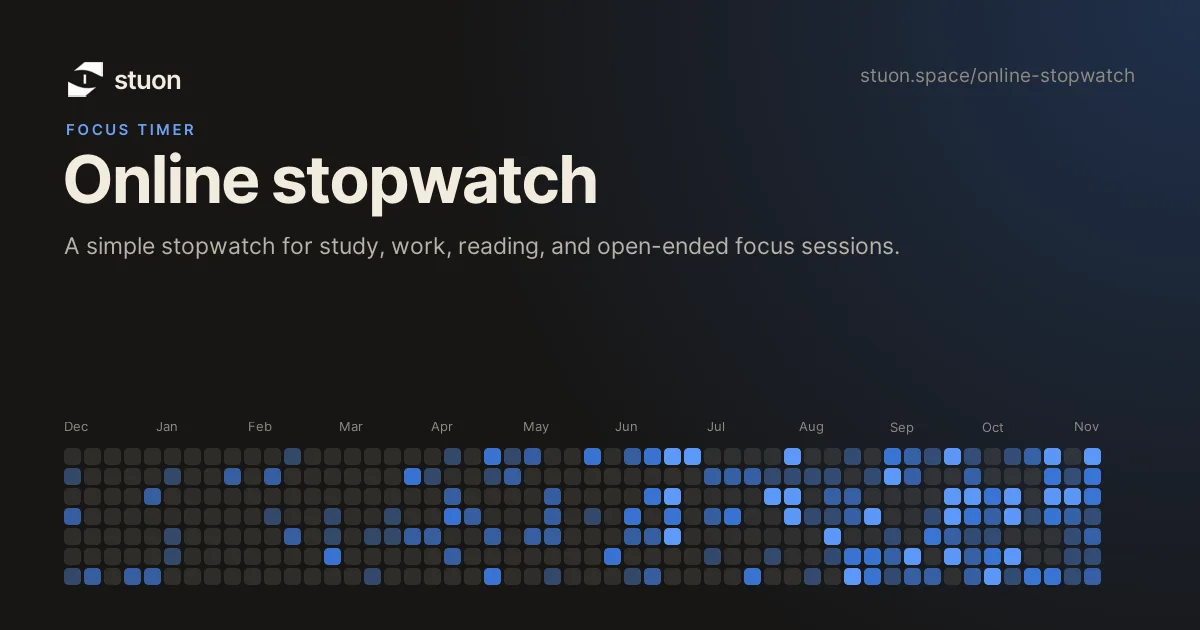
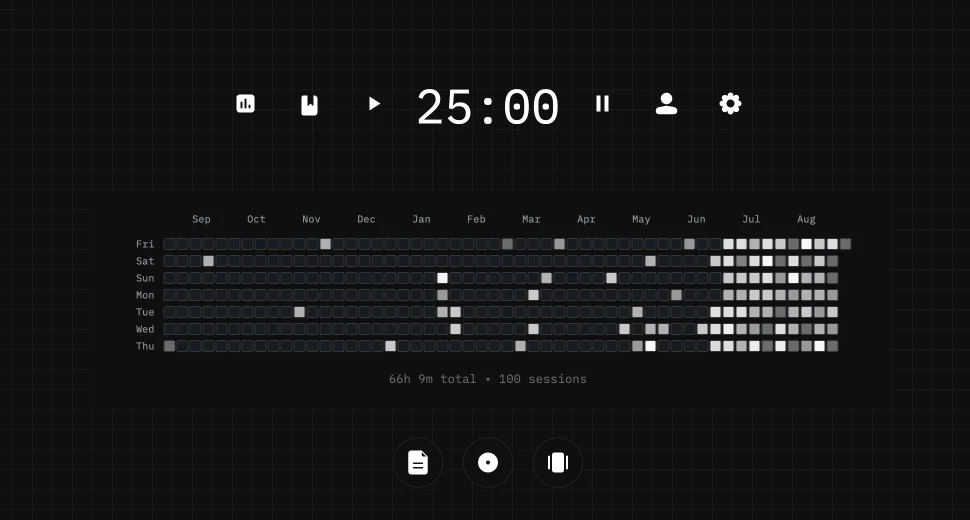
Stuon records timer sessions, notes, streaks, totals, and a heatmap so elapsed time becomes a useful history.
Yes.
Yes, from 00:00.
Yes, then resume from the same elapsed time.
No. Use Stuon to keep session records.
Stuon records the time for you and turns it into a streak, a heatmap and weekly totals.
Start tracking for freeAdd to Chrome, freeor use the free version without an account
Stuon Pro
Finish the timer here, then bring the session into Stuon. Pro adds active study modes, cloud sync, analytics, goals, projects, and richer progress tracking.
Review with active recall and keep your practice inside the same study workspace.
Write everything you remember, expose the gaps, and review the topic again.
Sketch diagrams, maps, and visual explanations without leaving your focus session.
Stuon Pro · lifetime
Unlock Flashcards, Blurting, Drawing, analytics, cloud sync, goals, projects, and Pro focus modes.