study tools
Study tools
which study tools are here?
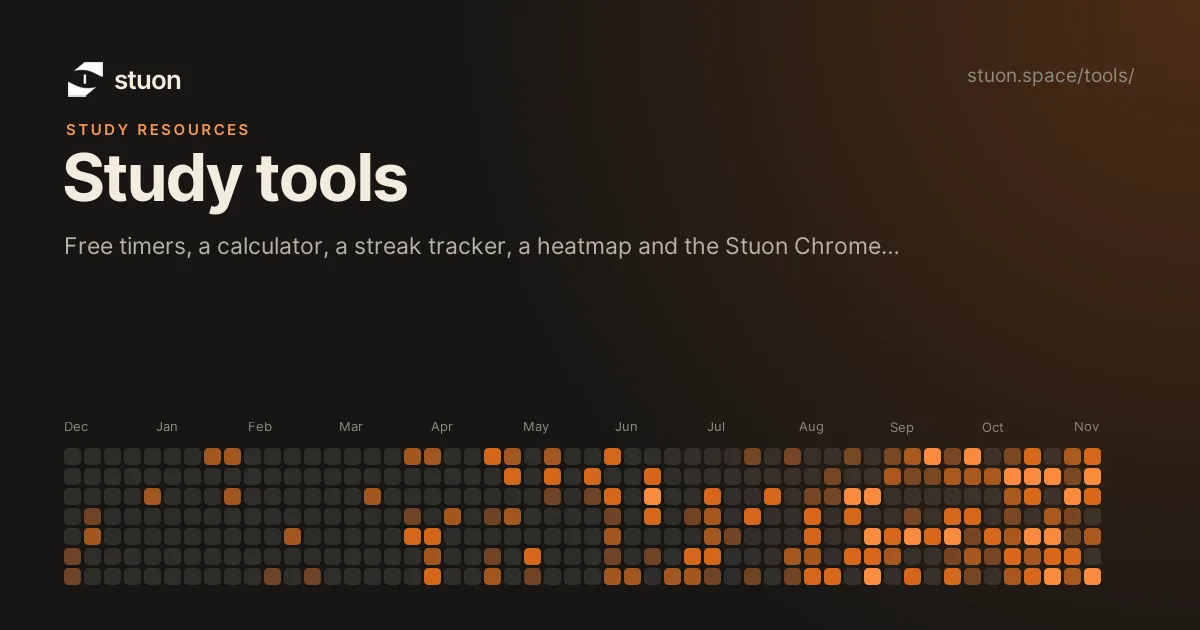
These are free tools you can use in the browser with no account: a study timer, a Pomodoro timer, a study hours calculator, a streak tracker, a time log and an interactive study heatmap. The Chrome extension sections add a toolbar timer and a site blocker that sync sessions to your Stuon account.
Visual tools for study methods
See spacing, blurting gaps, interleaving and Leitner boxes work on your own material.
Timers
Start a session in one click.
Stuon Chrome extension
A study timer and site blocker in your Chrome toolbar, synced to your Stuon heatmap.
Chrome extension guides
Block distracting sites, run Pomodoro and track study time in Chrome.
Chrome extension comparisons
The Stuon extension next to other blockers and the Stuon web app. Not independent.
Website blockers and study extensions
Alphabetical lists of blockers and Chrome extensions, with limits for each.
Timers by length
Open a countdown already set to the exact number of minutes you need.
Timers by purpose
Choose a timer for the task, not only the number of minutes.
Calculators and generators
Plan deadlines, revision, grades, flashcards, alarms, countdowns and study records.
Memorise, take notes and plan
First letters, cloze tests, acronyms, Cornell notes, review dates, a weekly planner, a question picker and a test grade calculator.
Trackers and planners
Record study time and plan how much you need.
Heatmap
See a year of study as a grid.
Learn how to use them
Guides and lists that go with the tools.
Track this automatically
Stuon records the time for you and turns it into a streak, a heatmap and weekly totals.
Start tracking for freeAdd to Chrome, freeor use the free version without an account