Flashcards
Review with active recall and keep your practice inside the same study workspace.
Settings
Keep a focus timer and site blocker in your Chrome toolbar.Add to Chrome, free
active reading timer
how do you use a timer for reading?
Set the reading timer to 20 minutes, read one section with a question in mind, and stop when it ends. Then close the text and write what you remember for two or three minutes. The written recall shows what the block actually taught you and is far more useful than rereading the same pages.
by Vusal Imranli updated 14 Nov 20263 min read
Your speed depends on the material. A novel may go at twice the pace of a dense textbook chapter. Time one block, count the pages, and use that number to plan the rest of the reading. The reading speed calculator turns a timed sample into words per minute, and the pages per day calculator spreads a whole book or reading list across the days you have.
If you finish the planned pages early, do not just carry on at the same pace. Use the spare time for the recall step below.
When the timer sounds, close the book and write the main ideas from memory: three points, a short summary, or a quick diagram. Then open the book and check what you missed. This is retrieval practice, and the gaps it reveals are the parts worth reading again. The blurting method is a structured version of the same step.
For a long reading list, two or three 20-minute blocks with short breaks usually beat one long stretch, because each block ends with a recall check. For difficult academic articles, a 30-minute timer can work better, since dense arguments take longer to follow. Note the pages you read each session so you can see your progress over the week.
Twenty to thirty minutes is a good default for study reading. Stop earlier if you notice you have read a page without taking anything in.
It varies widely with the material and your speed. Time one block and count the pages, or use the reading speed calculator.
Rereading feels familiar but tests little. Recall first, then reread only the parts you could not remember. See active recall vs rereading.
Yes. Skip the recall step and use the timer as a gentle boundary.
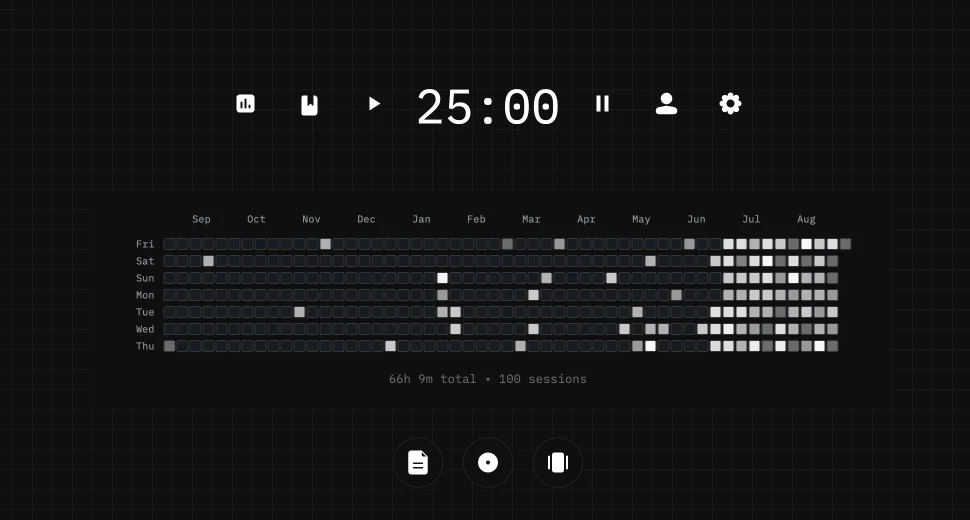
This page does not store anything. In Stuon every session is logged and added to your streak and heatmap.
Save your study sessionsAdd to Chrome, freeor use the free version without an account
Stuon Pro
Finish the timer here, then bring the session into Stuon. Pro adds active study modes, cloud sync, analytics, goals, projects, and richer progress tracking.
Review with active recall and keep your practice inside the same study workspace.
Write everything you remember, expose the gaps, and review the topic again.
Sketch diagrams, maps, and visual explanations without leaving your focus session.
Stuon Pro · lifetime
Unlock Flashcards, Blurting, Drawing, analytics, cloud sync, goals, projects, and Pro focus modes.