Flashcards
Review with active recall and keep your practice inside the same study workspace.
Settings
Keep a focus timer and site blocker in your Chrome toolbar.Add to Chrome, free
break timer
how long should a study break be?
A short break of about 5 minutes suits sessions up to half an hour, around 10 minutes suits sessions of 45 to 60 minutes, and a longer break of 15 to 30 minutes fits after several blocks. This timer starts at 5 minutes and plays a sound when it is time to go back.
by Vusal Imranli updated 14 Nov 20263 min read
Most study sessions do not fail during the work. They fail in the break, when a quick look at a phone or a video becomes forty minutes. Timing the break gives it the same boundary as the focus block: you know exactly when it ends, so you can rest fully without wondering whether you should already be back.
If videos are the usual trap, the guide on how to stop watching YouTube while studying covers blocking options for break time as well as work time.
A useful break changes what your eyes and body are doing. Stand up, walk to another room, drink water, look at something far away, or stretch. These reset attention without starting a new stream of information that competes with what you were just learning.
Avoid starting anything with no natural end, such as a feed, a group chat or a new episode. If you need to check messages, do it at the start of the break and put the phone away for the rest, so the sound of the timer is the only thing deciding when you return.
Before you start the break, write the first action for the next block on paper, for example "answer question 4" or "recall the three causes from memory". When the timer ends, you sit down and do that action instead of rebuilding your plan. Then start the next focus block with the study timer.
Skipping one break when you are in a good rhythm is fine. Skipping them for hours usually lowers the quality of the later work, so plan a longer pause after a few blocks.
It is better not to, because phones rarely give you a clean stopping point. If you do, keep it to the first minute of the break.
Take a short break after each block and a longer one every two hours or so. The study session planner works out how they fit into the time you have.
Yes. Pick another preset or type a custom number of minutes before you start.
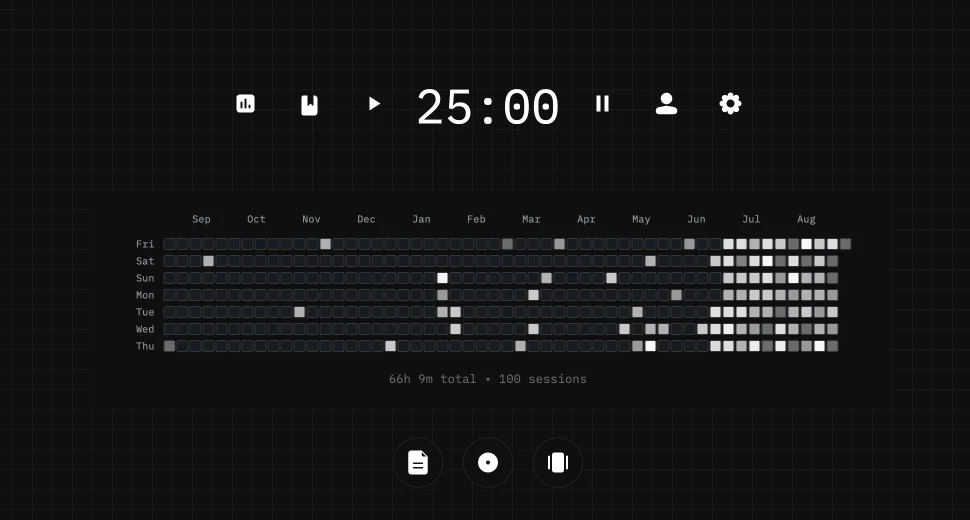
This page does not store anything. In Stuon every session is logged and added to your streak and heatmap.
Save your study sessionsAdd to Chrome, freeor use the free version without an account
Stuon Pro
Finish the timer here, then bring the session into Stuon. Pro adds active study modes, cloud sync, analytics, goals, projects, and richer progress tracking.
Review with active recall and keep your practice inside the same study workspace.
Write everything you remember, expose the gaps, and review the topic again.
Sketch diagrams, maps, and visual explanations without leaving your focus session.
Stuon Pro · lifetime
Unlock Flashcards, Blurting, Drawing, analytics, cloud sync, goals, projects, and Pro focus modes.