Flashcards
Review with active recall and keep your practice inside the same study workspace.
focus tool
what does this study session planner do?
The study session planner divides the time you have into repeatable focus blocks and breaks. Enter your available minutes, focus length and break length to see how many complete blocks fit.
by Vusal Imranli updated 14 Nov 20262 min read
Keep a focus timer and site blocker in your Chrome toolbar.Add to Chrome, free
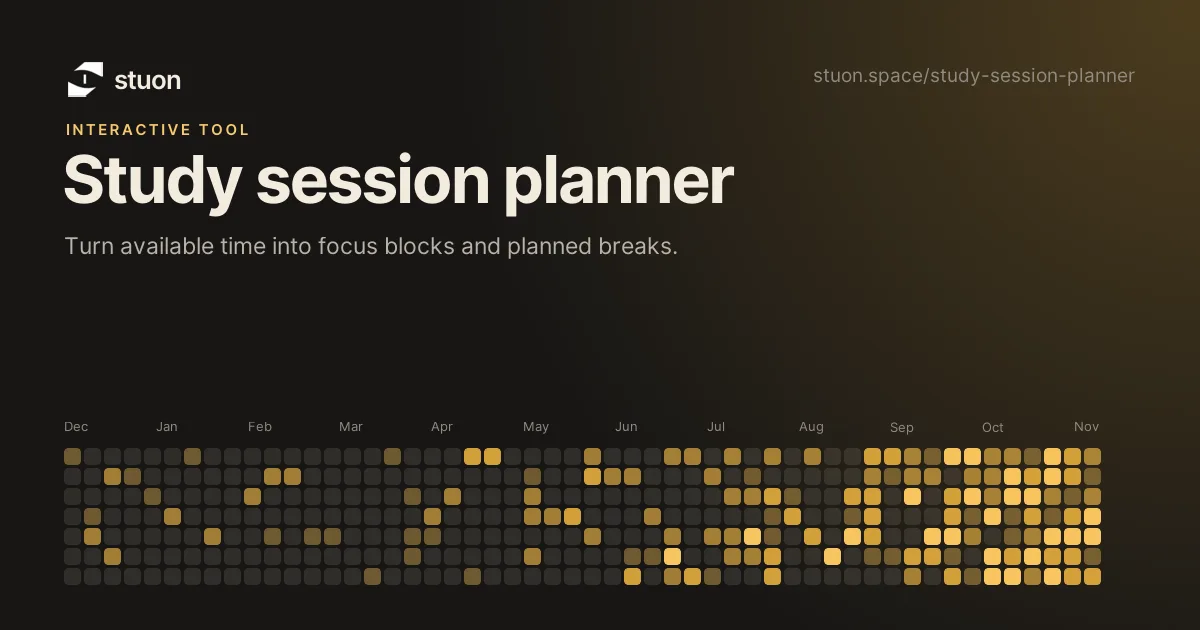
Enter the time you truly have, not the ideal evening you wish you had. Choose a block you can maintain and leave breaks in the schedule.
Try 25 minutes for easier starts, 45 to 60 for demanding work, and shorter blocks when attention is inconsistent.
Assign a concrete result such as questions answered, a section drafted, or concepts recalled.
Start each block in Stuon and compare the completed time with the plan at the end of the week.
No.
Start with 25 minutes and adjust from experience.
Yes.
Yes, continue in Stuon.
Stuon records the time for you and turns it into a streak, a heatmap and weekly totals.
Start tracking for freeAdd to Chrome, freeor use the free version without an account
Stuon Pro
Finish the timer here, then bring the session into Stuon. Pro adds active study modes, cloud sync, analytics, goals, projects, and richer progress tracking.
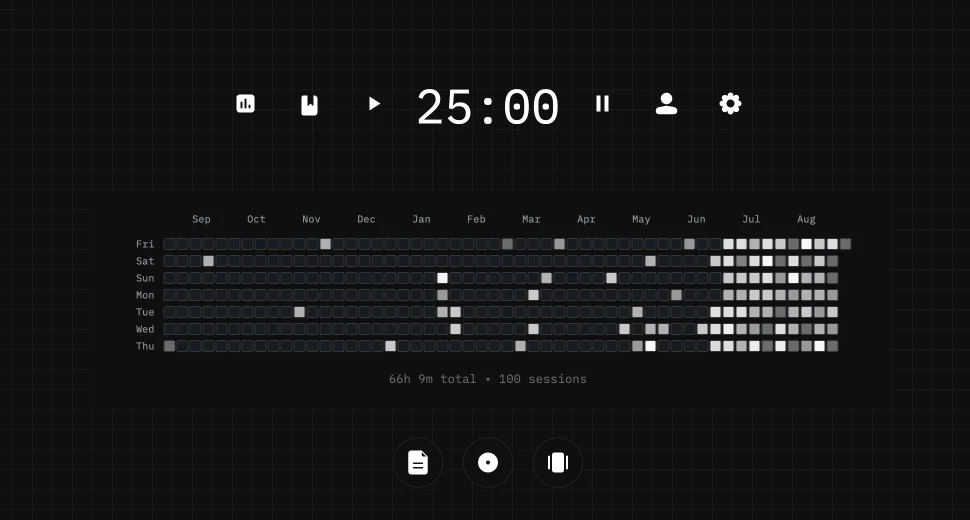
Review with active recall and keep your practice inside the same study workspace.
Write everything you remember, expose the gaps, and review the topic again.
Sketch diagrams, maps, and visual explanations without leaving your focus session.
Stuon Pro · lifetime
Unlock Flashcards, Blurting, Drawing, analytics, cloud sync, goals, projects, and Pro focus modes.