free study tool
Study hours tracker
how do I track study hours by subject?
Type a subject, enter the minutes you studied, and press Add study time. The tool adds the entry to a list saved in this browser and shows your running total in hours and minutes, plus the minutes for each subject in alphabetical order. A blank subject is recorded as "Study".
by Vusal Imranli updated 14 Nov 20263 min read
Keep a focus timer and site blocker in your Chrome toolbar.Add to Chrome, free
Log a session
- Use the same subject names every time. "Biology" and "bio" are counted as two subjects. Pick one spelling and keep it.
- Enter focused minutes only. If a 60-minute block included 15 minutes on your phone, enter 45. The total is only useful if it is honest.
- Add it right after the session. Logging at the end of the week relies on memory, which tends to overestimate.
Example: one week of entries
Suppose you add Biology 45, Math 30, Biology 40 and History 25. The total reads "2h 20m logged", and the breakdown shows Biology 85 min, History 25 min and Math 30 min. One look tells you Biology took more than half of the week and History barely appeared.
That imbalance is the main reason to track by subject. If an exam is coming in History, the numbers make the gap obvious before it becomes a problem.
How this tracker differs from the time log
This tracker is the quickest option: subject, minutes, total. The study time tracker adds a date for each session, today and this-week totals and a CSV download. If you only want a target for the week, the study hours calculator works out weekly and yearly hours without logging anything.
Where the data is stored
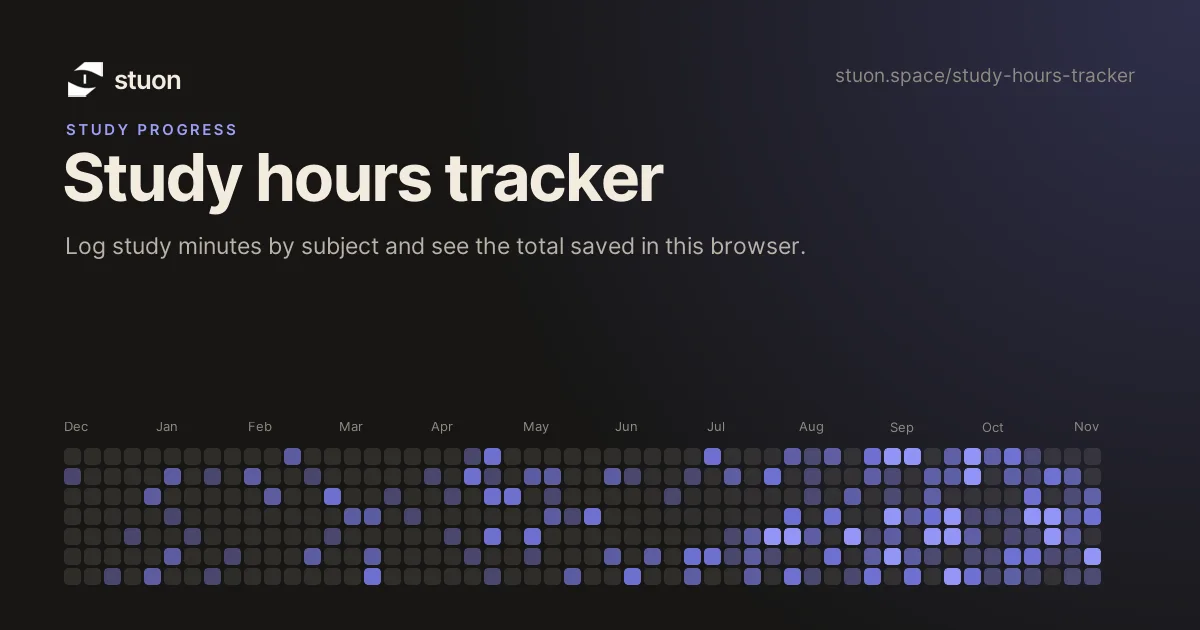
Entries are kept in this browser's local storage on this device. They are not uploaded. Clearing site data or using a private window removes them, and they will not appear on your phone. To keep hours across devices, with a streak and study heatmap, use Stuon, where the timer logs sessions automatically.
Frequently asked questions
How do I remove a wrong entry?
Individual entries cannot be edited here. Clearing this site's data in your browser settings resets the whole log, so check the minutes before adding them.
Is there a maximum session length?
Each entry can be up to 1,440 minutes, one full day. Split very long sessions so the record stays realistic.
How many hours should I study per week?
It depends on your course and exams. The guide how many hours should I study gives ranges and how to set your own.
Can I track hours automatically?
Yes. In Stuon each timer session is saved to your log, so there is nothing to type afterwards.
Related pages
Track this automatically
Stuon records the time for you and turns it into a streak, a heatmap and weekly totals.
Start tracking for freeAdd to Chrome, freeor use the free version without an account