Flashcards
Review with active recall and keep your practice inside the same study workspace.
Settings
Keep a focus timer and site blocker in your Chrome toolbar.Add to Chrome, free
online timer
what is a 120 minute timer for?
This free 120 minute timer counts down two hours. Use it for a full-length mock exam, a long assignment session, or a study block with planned breaks inside it. Decide where the breaks fall before you press Start.
by Vusal Imranli updated 14 Nov 20263 min read
Two hours is rarely one focus block. It works better as a container: two 50-minute blocks with a 10-minute break between them, or a full mock exam that mirrors a real two-hour paper. One timer for the whole container keeps you honest about the total, while the plan inside it stops fatigue from building unchecked.
Sitting through two hours with no break in an ordinary study session. Unless you are rehearsing an exam, build breaks in; otherwise the second hour is often much less productive than the first.
Take a long break of 20 to 30 minutes. If this was a mock exam, mark it the same day while your reasoning is still fresh.
Across 145 Stuon users (8 March to 12 October 2026), the median logged study session lasted 33.9 minutes. A 120-minute block is about 86 minutes longer than that. The median active week held 5.1 logged hours, which is about 3 sessions of 120 minutes.
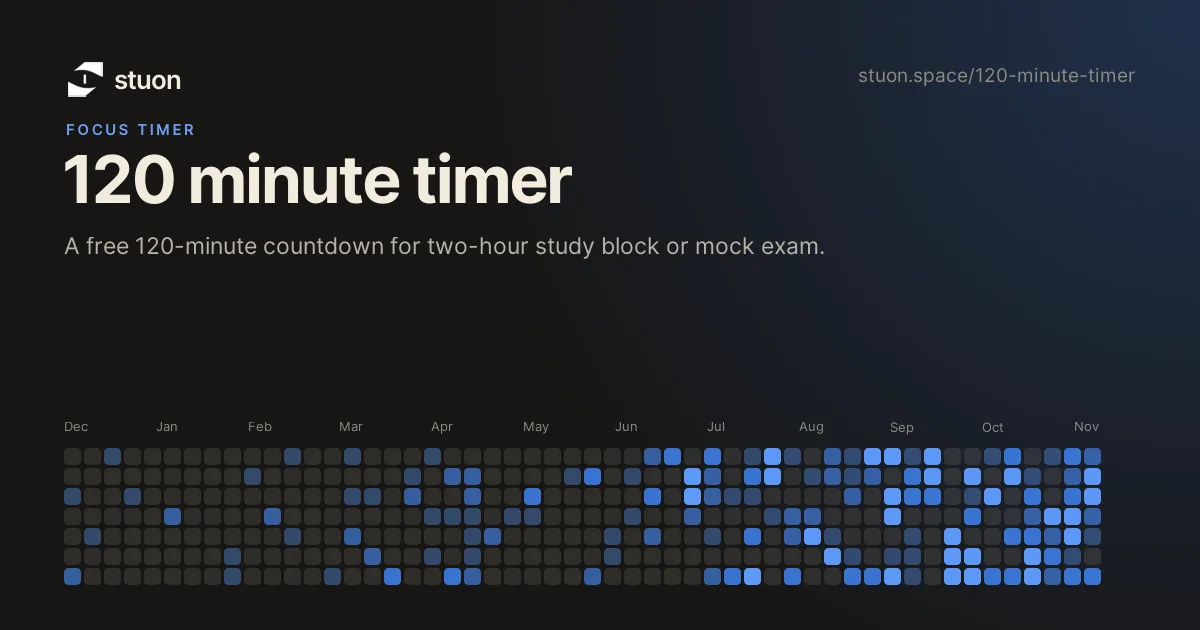
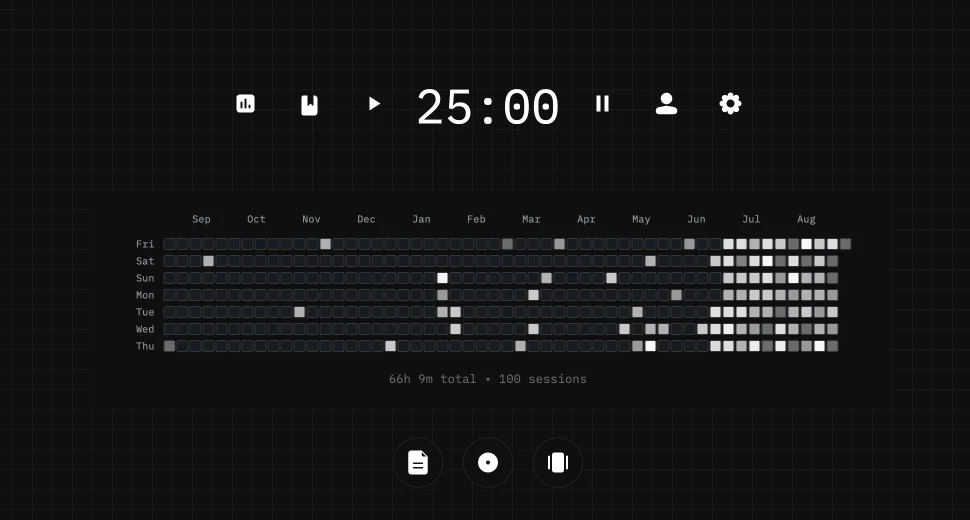
The countdown runs from your device clock, so it stays accurate in a background tab, but this page does not save finished sessions. In Stuon, each one goes into a study log and counts toward your streak and heatmap. See the study tracker and study heatmap.
For steady progress during a term, two focused hours a day is a solid amount for many students. Before exams it varies; the study hours calculator gives an estimate.
Set this timer and work through a full past paper under real conditions, without notes or breaks, then mark it. Repeat this a few times before the exam to build stamina and pacing.
Yes. It calculates the remaining time from your device clock, so the countdown is accurate when you return. Mobile browsers can pause background pages, so keep the page open when possible.
No. This page runs the countdown without an account and stores nothing. Use Stuon when you want sessions saved to a log, streak and heatmap.
This page does not store anything. In Stuon every session is logged and added to your streak and heatmap.
Save your study sessionsAdd to Chrome, freeor use the free version without an account
Stuon Pro
Finish the timer here, then bring the session into Stuon. Pro adds active study modes, cloud sync, analytics, goals, projects, and richer progress tracking.
Review with active recall and keep your practice inside the same study workspace.
Write everything you remember, expose the gaps, and review the topic again.
Sketch diagrams, maps, and visual explanations without leaving your focus session.
Stuon Pro · lifetime
Unlock Flashcards, Blurting, Drawing, analytics, cloud sync, goals, projects, and Pro focus modes.