Flashcards
Review with active recall and keep your practice inside the same study workspace.
Settings
Keep a focus timer and site blocker in your Chrome toolbar.Add to Chrome, free
long focus block
what is a deep work timer?
A deep work timer protects a long, uninterrupted block, here 90 minutes, for one cognitively demanding task such as an essay, a proof or a coding project. You decide the outcome first, remove every input that could pull you away, and work until the sound. Shorter blocks are better when attention fades early.
by Vusal Imranli updated 14 Nov 20263 min read
Long blocks pay off for work with a high setup cost: you need time to load the problem into your head before progress starts. Drafting an essay argument, working through a hard problem set, debugging, or synthesising several sources all fit. Flashcard review, admin and short readings do not; they work better in short blocks, so save deep work for the tasks that suffer most from interruption.
The idea comes from Cal Newport's concept of deep work, explained for students in deep work for students and defined in the deep work glossary entry.
Ideas for other tasks will appear. Write them on a capture list and return to the work rather than acting on them. If you hit a wall, switch the method, not the task: sketch the problem, explain it aloud, or re-read the brief. Check the timer rarely; the countdown is there so you do not have to watch the clock.
Ninety minutes is a ceiling, not a test. If your accuracy drops clearly before the end, stop, take a real break, and run a shorter second block. A 60-minute timer is a good alternative on tired days.
When the sound plays, spend two minutes writing where you stopped, what is unresolved and the first action for next time. Deep work is often spread over several days, and this note is what lets the next block start in minutes instead of half an hour. Then take a break of at least 15 minutes away from the screen.
It is long enough to get past the setup cost of hard work and short enough to keep quality high for most people. Treat it as a starting point and adjust.
Most students manage one to three. Quality drops when long blocks are stacked without real breaks. See how many hours should I study.
Only if you need it. A brief stand-up pause is fine; avoid checking messages, which restarts the setup cost.
No. Pomodoro uses short repeated blocks with fixed breaks. Deep work uses one long block. Compare them in study timer vs Pomodoro.
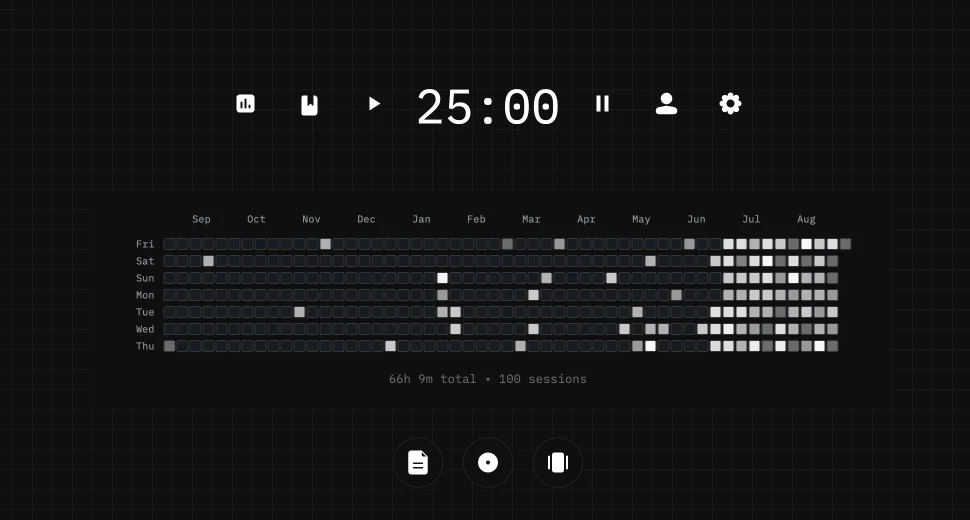
This page does not store anything. In Stuon every session is logged and added to your streak and heatmap.
Save your study sessionsAdd to Chrome, freeor use the free version without an account
Stuon Pro
Finish the timer here, then bring the session into Stuon. Pro adds active study modes, cloud sync, analytics, goals, projects, and richer progress tracking.
Review with active recall and keep your practice inside the same study workspace.
Write everything you remember, expose the gaps, and review the topic again.
Sketch diagrams, maps, and visual explanations without leaving your focus session.
Stuon Pro · lifetime
Unlock Flashcards, Blurting, Drawing, analytics, cloud sync, goals, projects, and Pro focus modes.