glossary
Focus session: definition
what is a focus session?
A focus session is a timed block of work on a single task, with distractions removed for its length. It can be a 25-minute Pomodoro, a 50-minute block or a longer deep-work session. Many study apps save each focus session so you can track your hours.
by Vusal Imranli updated 14 Nov 20262 min read
also called focus block, study session
Definition and example
A student decides to do 15 chemistry questions, sets a 45-minute timer, blocks social media and puts the phone in a bag. When the timer ends, they log the session and take a break.
In the Stuon extension, a focus session is the study phase of a timer or Pomodoro cycle. Breaks are not focus sessions and are not counted as study time.
Typical lengths
- 25 minutes, as in the Pomodoro technique.
- 45 to 60 minutes for problem sets and writing.
- 90 minutes for deep work.
Focus session vs study time
Study time is often counted loosely: two hours in the library may include messages, breaks and setup. A focus session counts only the timed block spent on one task. That makes the number smaller but more honest, and more useful for planning, because you learn how much real work fits in an evening.
Logging sessions also shows patterns, such as which time of day produces the longest uninterrupted blocks.
A common misconception
A longer session is not automatically a better one. A 25-minute session with full attention often produces more than 90 minutes of drifting. Choose the length you can complete with attention intact, then extend it once completing it feels routine.
Full guide: How to focus while studying. Set up the session, run it in blocks, and handle a wandering mind.
Frequently asked questions
Is a break part of a focus session?
No. A break comes between sessions. Most trackers, including Stuon, count only the focus phase as study time.
How long should a focus session be?
As long as you can keep attention on the task. Start shorter and lengthen it as it gets easier.
Should I block websites during a focus session?
Blocking removes easy distractions. See how to block websites while studying.
Related terms and guides
Add Stuon to Chrome
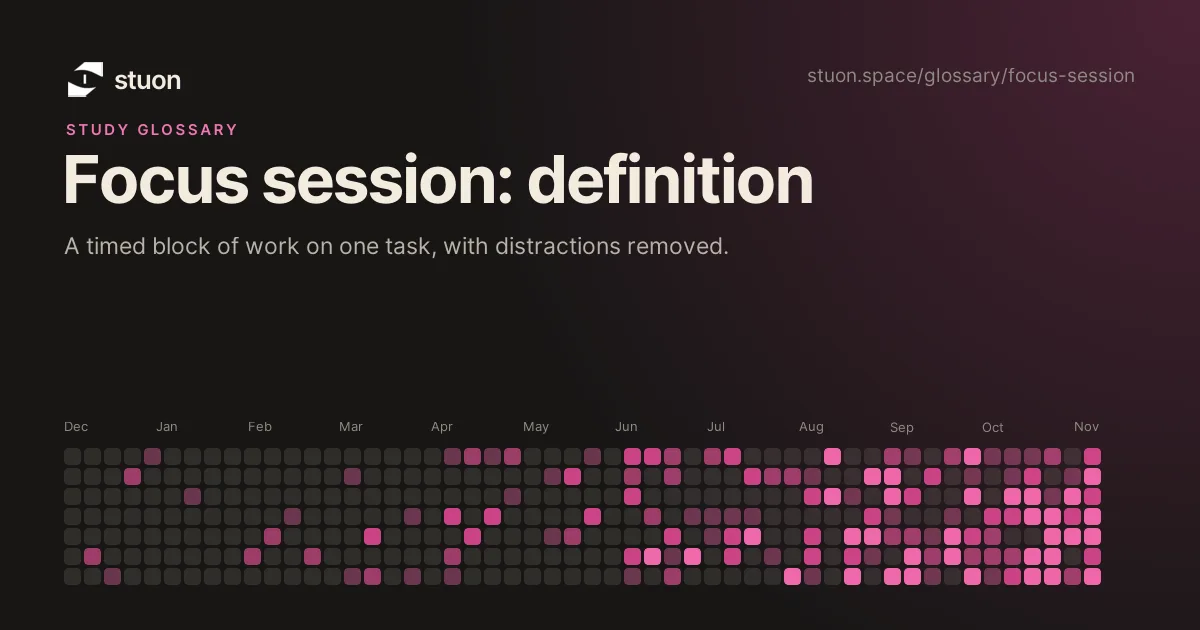
Start a focus session from the toolbar, block the sites that pull you away, and watch every session land on your Stuon heatmap.